
Animated Scenes
Text to VideoAnimated fantasy scenes from a prompt
Turn a prompt or a still image into a short animated clip — drifting fog over a battle map, a flickering tavern hearth, a dragon banking through storm clouds. Ambience your table can feel.
Step by step
How It Works
Prompt or animate a still
Start from text, or upload art you already have — your generated scene art animates especially well.
Choose motion
Subtle ambience (fog, fire, rain) or full motion (flight, battle). Short loops work best for table ambience.
Play at the table
Download the MP4 and loop it on your TV, stream overlay or VTT scene background.
Before / After
See the Difference
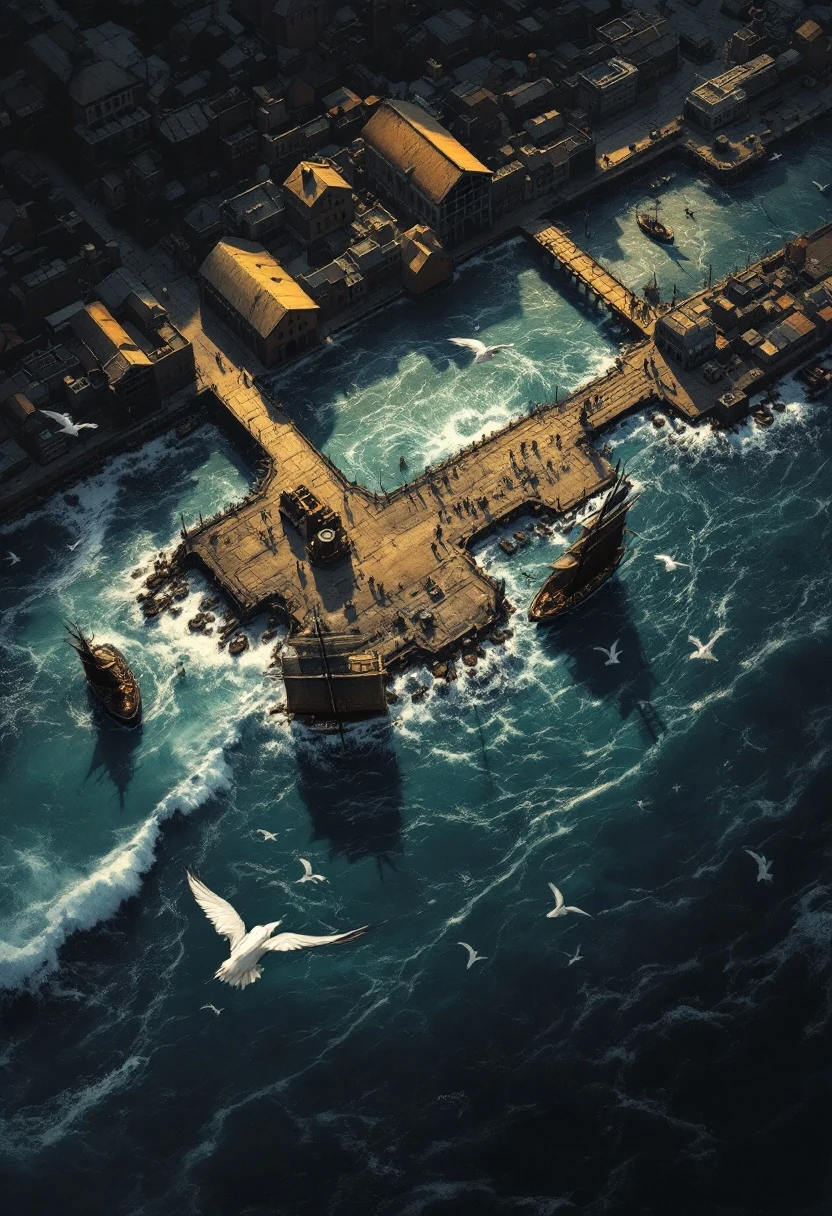
Still map → living scene
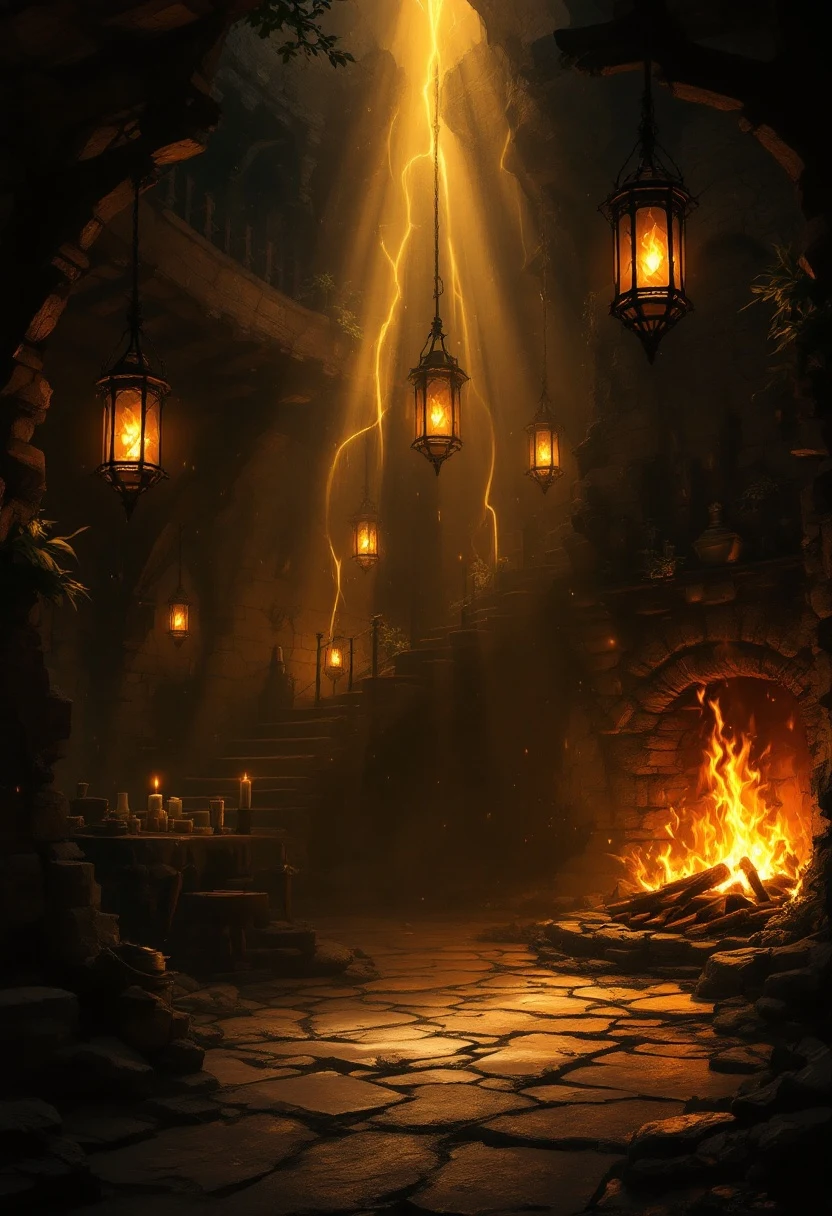
Scene art → ambience loop
Made with Text to Video
From the Forge
Loops made for the table — ambience clips that set a scene without stealing attention from it.
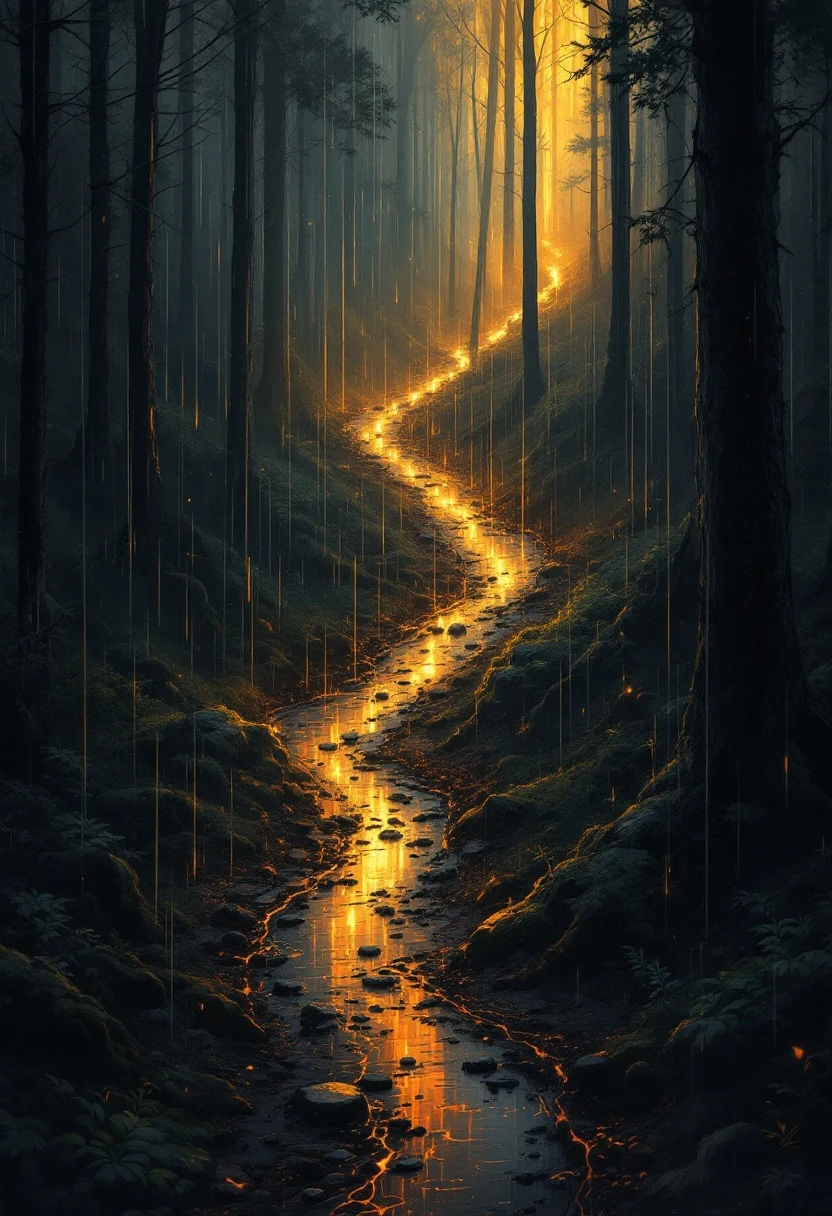
Scene ambience
Weather, fire and water motion over your existing maps.
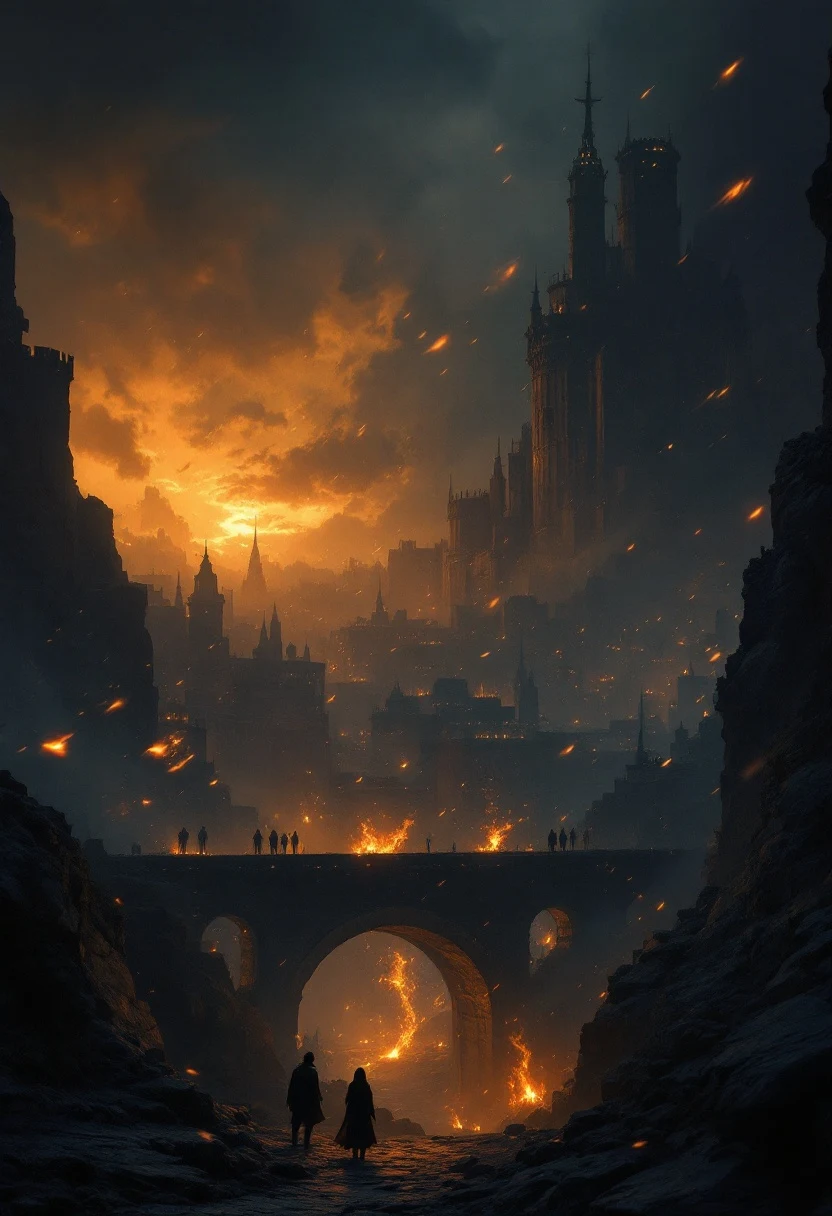
Session intros
A ten-second opening shot before the recap. Cheap drama, big effect.
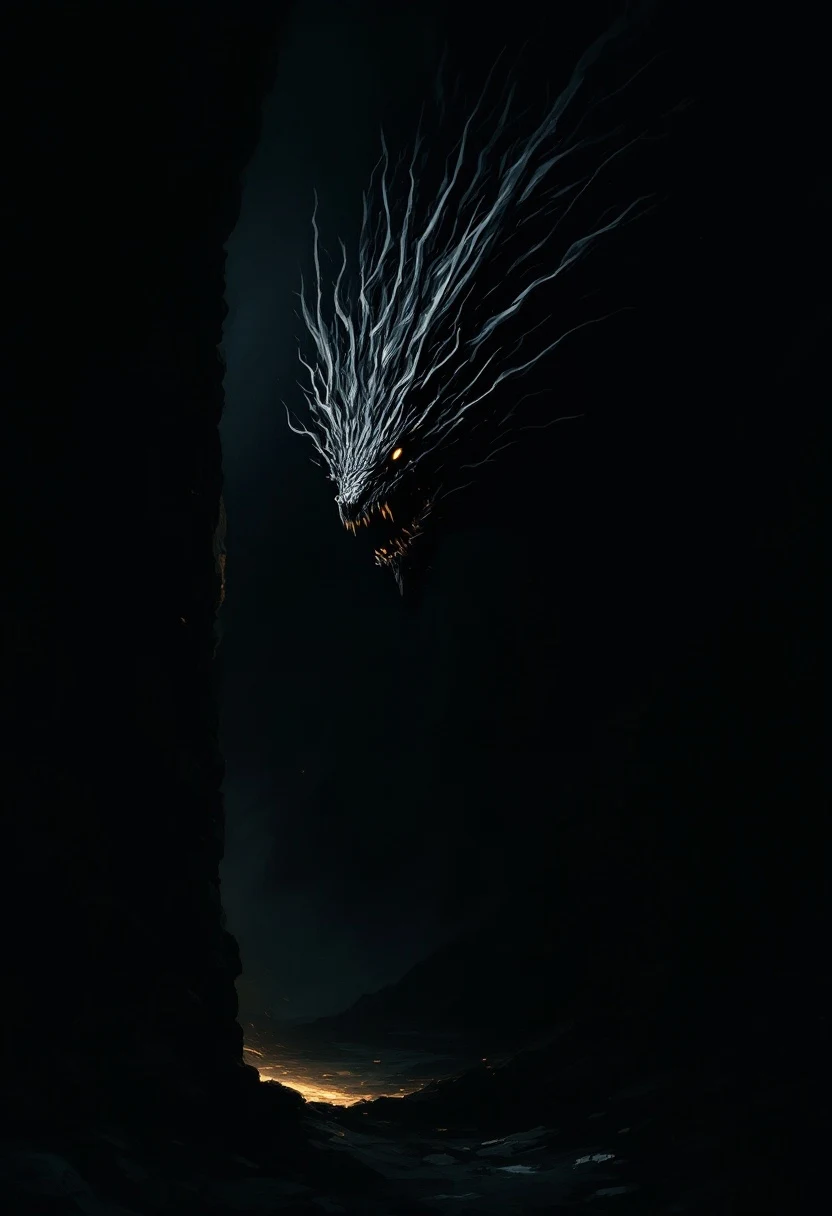
Monster reveals
The boss turns to face the party — once, at the right moment.
Counsel
Frequently Asked
How long are generated videos?
Short clips designed to loop — a few seconds each. That is the sweet spot for ambience that runs all session without distracting.
Can I animate an image I already have?
Yes — image-to-video is often the best path: generate or upload a still, then add motion to it.
What do I do with the clip at the table?
Loop the MP4 on a TV or projector, drop it into your VTT as an animated scene background, or use it in a stream overlay.
Does video cost more than images?
Yes — video generation uses more credits per output than images. Check the pricing page for current rates.